
A blank page that quietly remembers
Write the way you think. Noughtpad keeps every note as a plain Markdown file on your computer, then shows you which notes belong together and how your thinking has changed.
For Mac (Apple Silicon), Windows and Linux. No account needed.
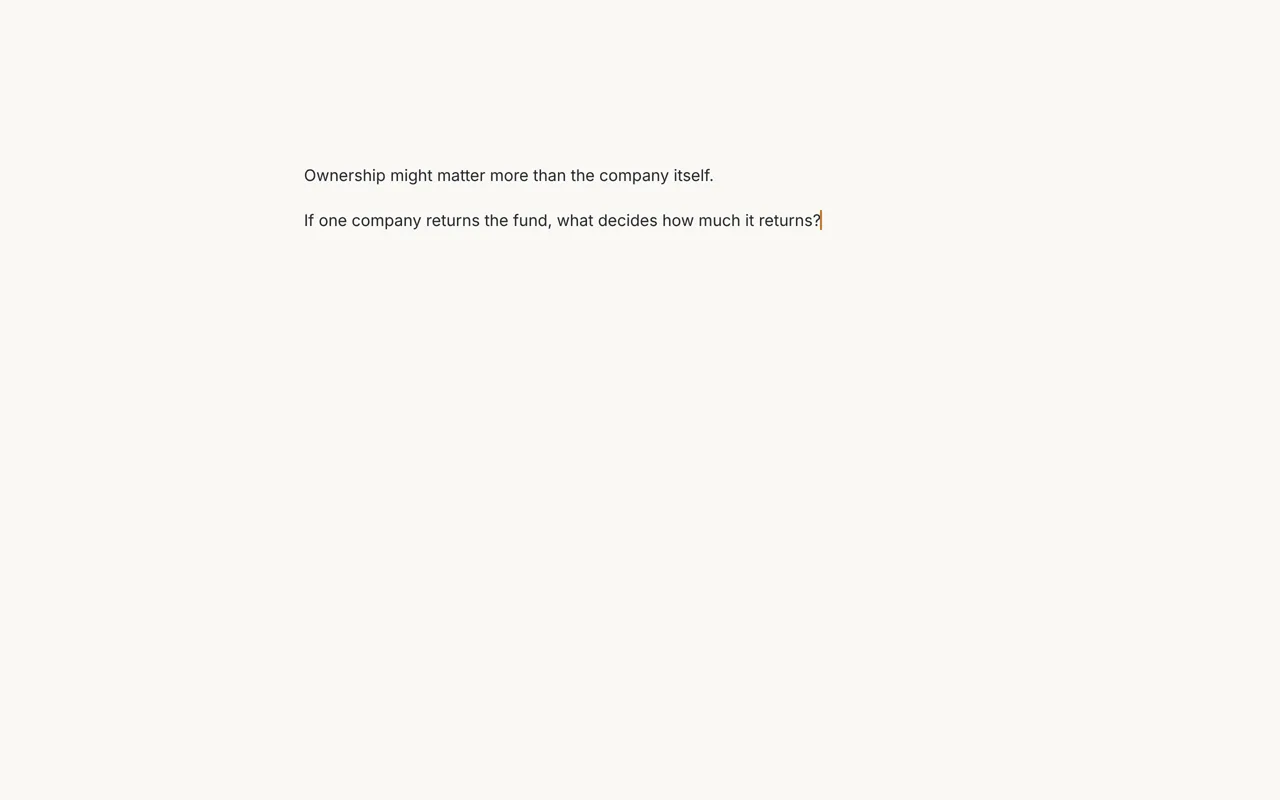
Open it and write
No titles, folders or templates to set up first. Noughtpad opens on an empty page with the cursor ready, and saves as you type. The sidebar stays out of sight until you reach for it.
Press ⌘ ⇧ Space in any app to start a new note. On Windows and Linux it's Ctrl Shift Space.
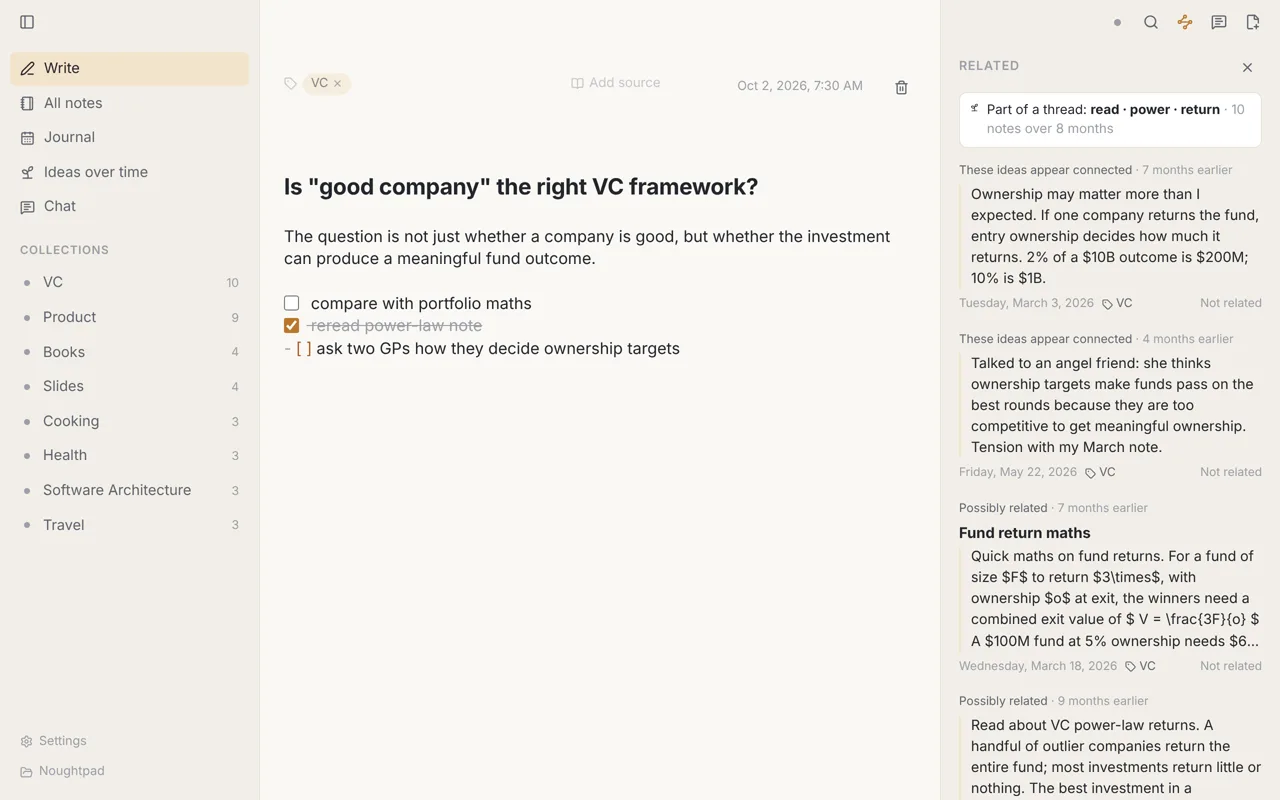
Old notes come back when they matter
Open any note and press ⌘ J. Noughtpad finds earlier notes on the same idea, even when they use different words, and shows the exact passage that matched.
A thought from March sits next to the one you wrote today. Mark a suggestion "Not related" and it won't come back, and the suggestions get better as you use them.
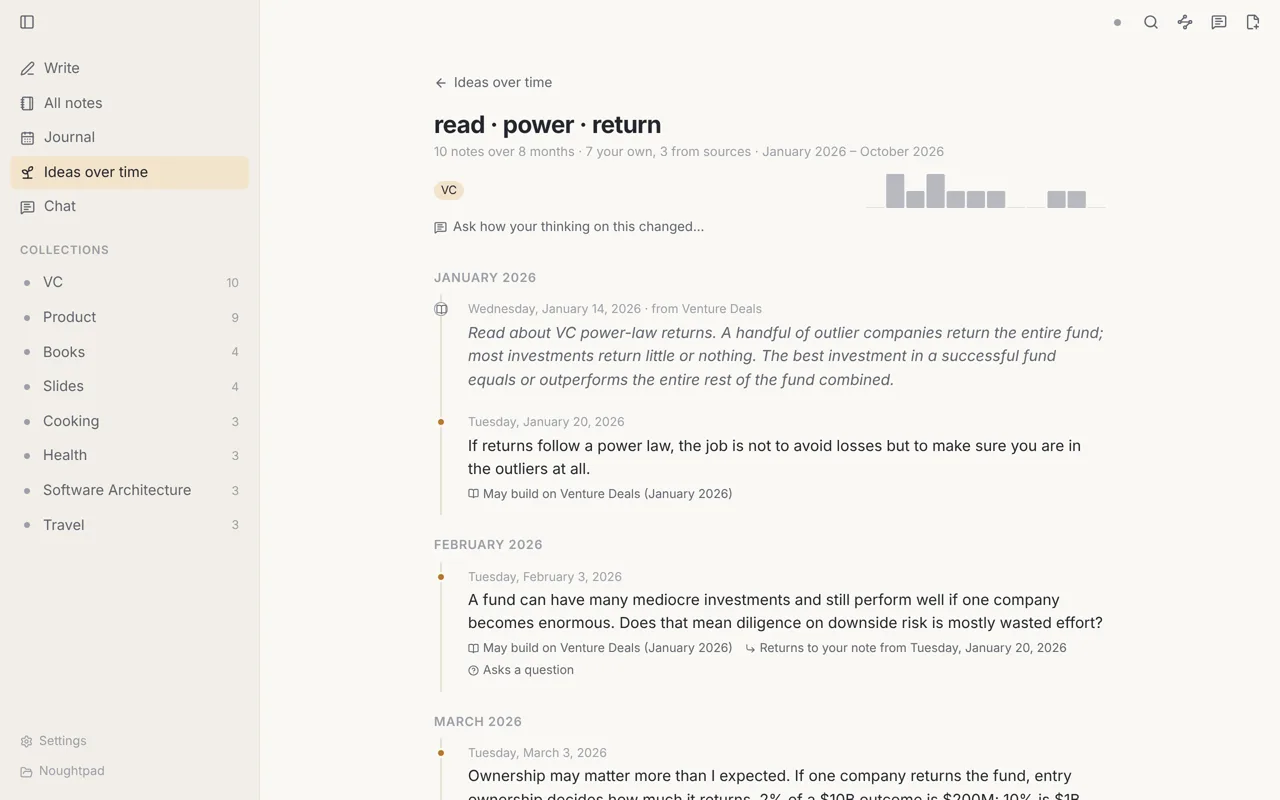
Watch an idea grow
Ideas over time gathers your notes into threads and lays them out month by month: what you keep coming back to, what's just starting, what you set aside, and the books and articles that shaped it.
It's all worked out on your computer from your own words. Nothing is written for you.
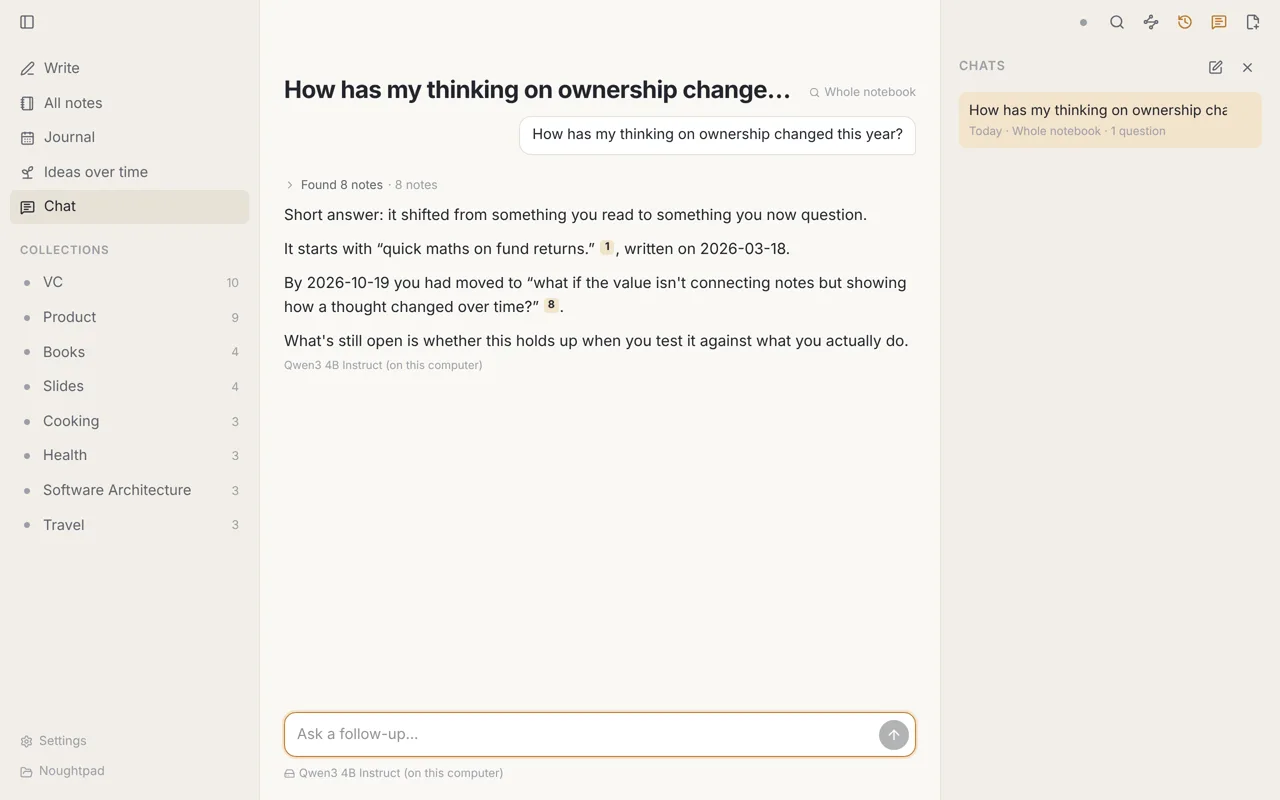
Ask your notes
Ask how your view on something has changed, or what last spring was really about. Every answer points to the notes it came from.
Run a free model on your own computer, fully offline. Or bring your own Anthropic, OpenAI or Gemini account, or Ollama. Before any note goes online, Noughtpad shows you which ones and asks.
Plain files. Nothing locked in.
Every note is a Markdown file in a folder you choose. Open it in any editor, back it up however you like, or keep it in git. Your notes are yours in the most literal sense.
-
Works alongside Obsidian
Point both apps at the same folder and edits in one show up in the other. See how they compare
-
No account
Download it and start writing. Nothing asks you to sign up.
-
Private by default
Search, related notes and ideas over time all run on your computer.
-
Fast with thousands of notes
Tested with 10,000 notes. Search answers in milliseconds.
Everything else a notebook needs
Search by meaning
⌘ K finds notes by their words and by what they mean. "Getting fit" finds your running notes.
Journal and activity map
Your notes by day, week or month, and a year of writing at a glance. No streaks to keep up.
Labels and sources
As many labels as you like, and a place to note the book, article or talk an idea came from.
Clean paste
Paste from a web page, Google Docs or Word and get tidy Markdown. Images are saved next to your notes.
Diagrams and maths
Mermaid diagrams and LaTeX maths render as you write.
Sync across computers
Keep your notebook in step through your own Google Drive. Now in beta, by invitation. Learn more
Your next good idea is probably already in your notes.
For Mac (Apple Silicon), Windows and Linux. No account needed.